
The World's First Flying Hotel
The World's First Flying Hotel

"The Hotelicopter features 18 luxuriously-appointed rooms for adrenaline junkies seeking a truly unique and memorable travel experience. Each soundproofed room is equipped with a queen-sized bed, fine linens, a
mini-bar, coffee machine, wireless internet access, and all the
luxurious appointments you'd expect from a flying five star hotel.

Room service is available one hour after liftoff and prior to landing." The Hotelicopter is due to fly maiden journey this summer (June 26th) with an undisclosed price... If you are interested, there are three fly
tours.

Dimensions Length: 42 m (137 ft)
Height: 28m (91 ft)
Maximum Takeoff Weight: 105850 kg (232,870 lb)
Maximum speed: 255 km/h (137 kt) (158 miles/h)
Cruising speed: 237 km/h (127 kt) (147 miles/h)
Original Mi Range: 515 km (320 mi)
Our augmented Mi Range - 1,296 km (700 mi)


USB Flash Drive Is USB Flash Drive + Web Cam
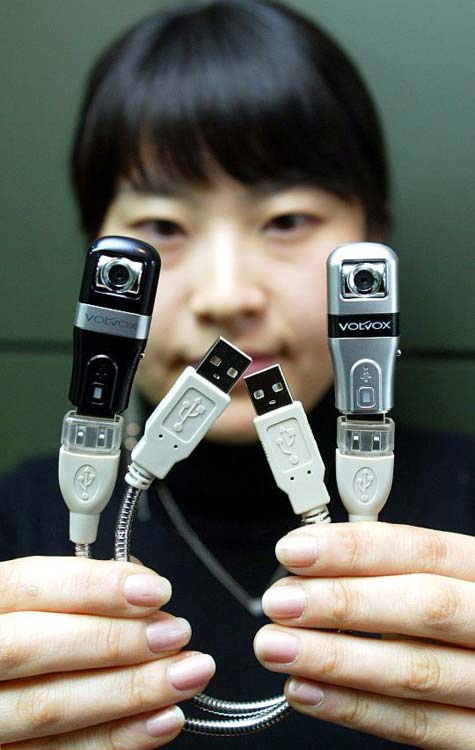
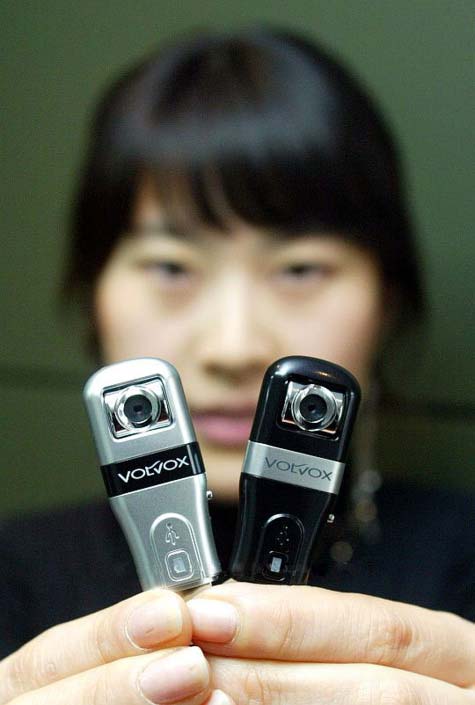
The ?to be? newly released USB memory + webcam from Volvox is small on size and mega pixels. The SYV30RP is due to hit stores but at only 1.3Mp and 30fps is not much to get excited about, BUT the USB memory + web cam is amazingly small and ideal for a plain-view hidden camera which looks like a flash drive and acts like one (512MB, 1B, 2GB storage). To view the spec page and more details visit page 16 of Sydnt?s pdf document.


Memory Infinite, USB Storage
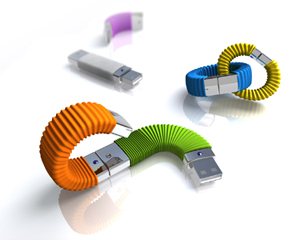
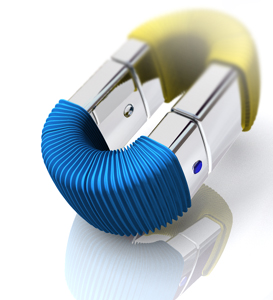
Memory Infinite has a USB male connector at one end and a female connector at the other, providing an ?add up? concept for USB finger discs. By connecting one Memory Infinite with another to add up the storage capacity, the user won’t waste the old storage capacity when getting a larger one. The user can choose to combine or separate Memory Infinite, making the usage of USB finger discs more convenient. And when Memory Infinite connects to a computerusing its male end, other USB devices still can connect to its female end without having to occupy another USB port on the computer.
What Does Google Know About You?
Google always detects your click fraud on Adsense pages. I know many prsons who always say after getting banned from google adsense that what we have done? We have never click on our own ads? we have never gave any incentive to click on ads. But they know that they have duplicate accounts and they do not know that google can detect their fraud with following methods.
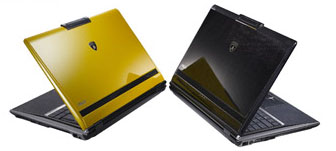
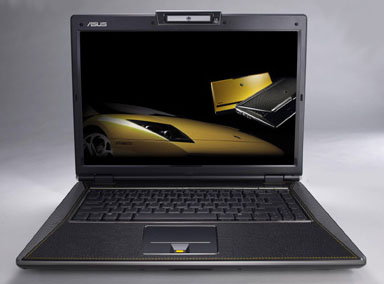
Asus VX2 Lamborghini laptop : The Next Generation

You Are Traced As
